
Every team has the same documentation story. You write it once, usually under deadline. It's accurate for about a week. Then you rename a module, swap a library, change an endpoint, and the docs quietly become fiction. Nobody updates them because updating docs is the chore everyone defers. Six months later the docs are actively misleading, and new hires and AI agents both trust them anyway.
The fix isn't more discipline. It's removing the manual step. Documentation should be generated from the code and regenerated when the code changes, so it can't drift. Here's how to automate it.
Why manual documentation always rots
Manual docs fail for a structural reason: the source of truth (your code) and the description of it (your docs) live in two places and are updated by two different processes. Code changes on every push. Docs change when someone remembers. Those two clocks drift apart immediately, and the gap only grows.
Automating documentation closes that gap by making the docs a product of the code instead of a parallel artifact. When the code is the input, the docs can't describe a version that no longer exists.
What "automated" should actually mean
Plenty of tools will generate docs once. That's not enough. Real automation has four properties:
- Generated from the source, not hand-written. The tool reads your actual code, structure, and conventions.
- Regenerated on change, ideally on every push, so the docs track the code without anyone remembering.
- Published, so the current version is one link away for your team and your users.
- Readable by AI agents, because in 2026 your coding agents need that context as much as your developers do (see documentation for AI agents).
A tool that does step 1 but not steps 2 through 4 just moves the rot problem one push down the road.
The approach
1. Generate from the repository, not a blank page
Point the tool at your repo and let it read the code. The output should reflect your real structure and conventions, not a generic template you then have to correct. This is also the difference between a doc-site builder (you write, it publishes) and a generator (it reads your code and writes the first draft). For a full breakdown of which tools do which, see our 2026 comparison.
2. Trigger regeneration on push
The single highest-leverage automation: tie doc generation to your git workflow so a push updates the docs. This is what keeps "accurate for a week" from ever happening. The docs and the code share one clock.
3. Keep a human in the loop for what matters
Automation doesn't mean nobody reviews. The good pattern is generate automatically, then approve before publishing, so machines do the tedious 90 percent and humans keep editorial control over the 10 percent that needs judgment.
4. Make it agent-readable
Once docs are generated and current, expose them so AI agents can read them directly instead of guessing. An MCP endpoint lets Claude Code, Cursor, and other tools query your live docs on demand. The same automation that serves your team serves their agents, from one source.
How Code Summary automates it end to end
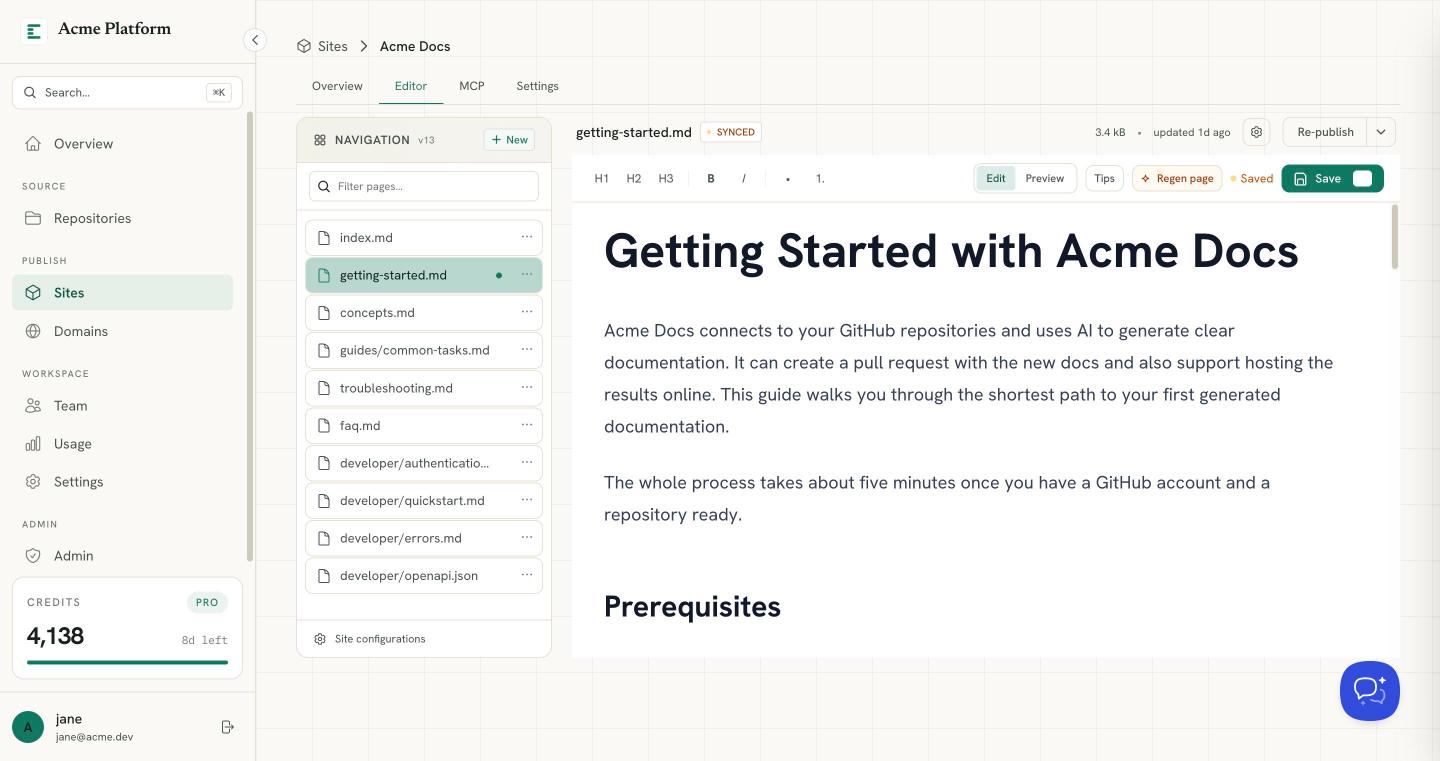
This is exactly what Code Summary does. Connect a repository and it reads the source, generates structured documentation, and publishes it as a hosted site. On every push it regenerates, so the docs stay current without anyone touching them. You approve changes before they go live, and the same docs are served as a live MCP endpoint so your agents read the current truth.
The result is documentation that behaves like part of your build instead of a chore you keep deferring. It's generated, current, published, and agent-ready, automatically.
Start
You can automate your first repo's docs for free. Publishing your first doc site costs nothing, and regeneration-on-push and the agent endpoint come with it.