
You wire up an AI coding agent. You ask it to add a feature to your own project. It writes code that looks fine, then imports from a path that doesn't exist, ignores the conventions you've used everywhere, and reinvents a helper you already wrote.
Sound familiar?
The agent isn't dumb. It's working blind. It has never seen how your project is organized, what your team decided, or which patterns are load-bearing. Every session it starts from zero and fills the gap with guesses.
The fix the ecosystem has converged on is a single file at the root of your repo: AGENTS.md. Write it once, and the tools your team uses read it automatically, every session.
What is AGENTS.md?
AGENTS.md is a plain markdown file that describes your project to AI agents: the stack, the structure, the conventions, the commands, and the things not to touch. An agent loads it at the start of a session and treats it as standing context.
The important word is standard. For a while every tool had its own file, one for one assistant, another for the next, a different dotfile for a third. You ended up maintaining three copies of the same context that drifted apart immediately. AGENTS.md is the tool-agnostic answer: one file, read by a growing list of AI coding tools, so you write the context once instead of per-vendor.
If you already keep a CLAUDE.md file, AGENTS.md is the same idea generalized. Many teams now keep AGENTS.md as the canonical source and let their tool-specific file point at it, so there's a single thing to maintain.
Why this is the highest-leverage context move
There's a discipline forming around this called context engineering: getting the right, smallest set of information in front of an agent so it performs. The failure mode it fights is context rot, the well-documented drop in model quality as the context window fills with noise. Dump your entire repo into context and the agent gets worse, not better.
AGENTS.md is the cheapest, highest-return lever in that toolkit. A tight, curated file of the things that actually matter beats both extremes: better than the agent guessing, and better than flooding it with every file. You're not giving it more, you're giving it the right signal.
Where it goes
Put AGENTS.md at the root of your repository. The agent picks it up from there.
For a monorepo, you can add a nested AGENTS.md inside individual packages. The agent reads the closest one to the code it's working on, so each workspace can carry its own conventions without bloating a single top-level file.
What to include
Aim for high signal. Every line should be something an agent would otherwise get wrong. A solid AGENTS.md covers:
- What the project is in one or two sentences, so the agent has a frame.
- Tech stack and versions, so it doesn't suggest patterns from the wrong era of a framework.
- Project structure, the directories that matter and what lives where.
- Conventions, naming, error handling, the patterns you actually follow.
- Commands, how to build, test, lint, and run, so the agent can verify its own work.
- Boundaries, what not to touch: generated files, vendored code, anything off-limits.
Here's a compact example for a typical backend:
# Orders Service

Payment and order-processing API. Public-facing, so correctness and
input validation matter more than cleverness.

## Stack
- TypeScript, Node 22, Fastify 5
- Postgres via Drizzle ORM
- Tests: Vitest

## Structure
- `src/routes/` HTTP handlers, one file per resource
- `src/services/` business logic, no HTTP concerns
- `src/db/` schema and queries, all DB access goes through here
- `src/lib/` shared helpers

## Conventions
- Validate every request body with a Zod schema in the route
- Never write raw SQL in routes or services, use the helpers in `src/db/`
- Throw `AppError` for expected failures, it maps to the right status code
- Money is integer cents, never floats

## Commands
- `pnpm dev` run locally
- `pnpm test` run the suite (do this before claiming a change works)
- `pnpm lint` must pass before a PR

## Don't touch
- `src/db/migrations/` generated, never hand-edit
- `*.generated.ts` regenerated from the schema
Keep it lean. If it grows past a page or two, that's a sign to split it (monorepo nesting) or move detail into linked docs. A bloated AGENTS.md reintroduces the exact context rot you wrote it to avoid.
The part nobody mentions: it rots
Here's the catch with any context file. The day you write it, it's accurate. Three weeks later you've renamed a directory, swapped a library, and changed a convention, and the file still describes the old world. Now your agent is confidently working from a stale map, which is arguably worse than no map at all.
This is the same distribution problem documentation has always had, made sharper because an agent will act on what it reads. A hand-maintained AGENTS.md is one more thing that silently goes out of date.
How Code Summary keeps it true
This is the gap Code Summary is built for. Instead of you hand-writing and babysitting context files, Code Summary reads your actual repository, generates the structured documentation and the agent context from the real code, and keeps it current as you push. When the code changes, the context changes with it.
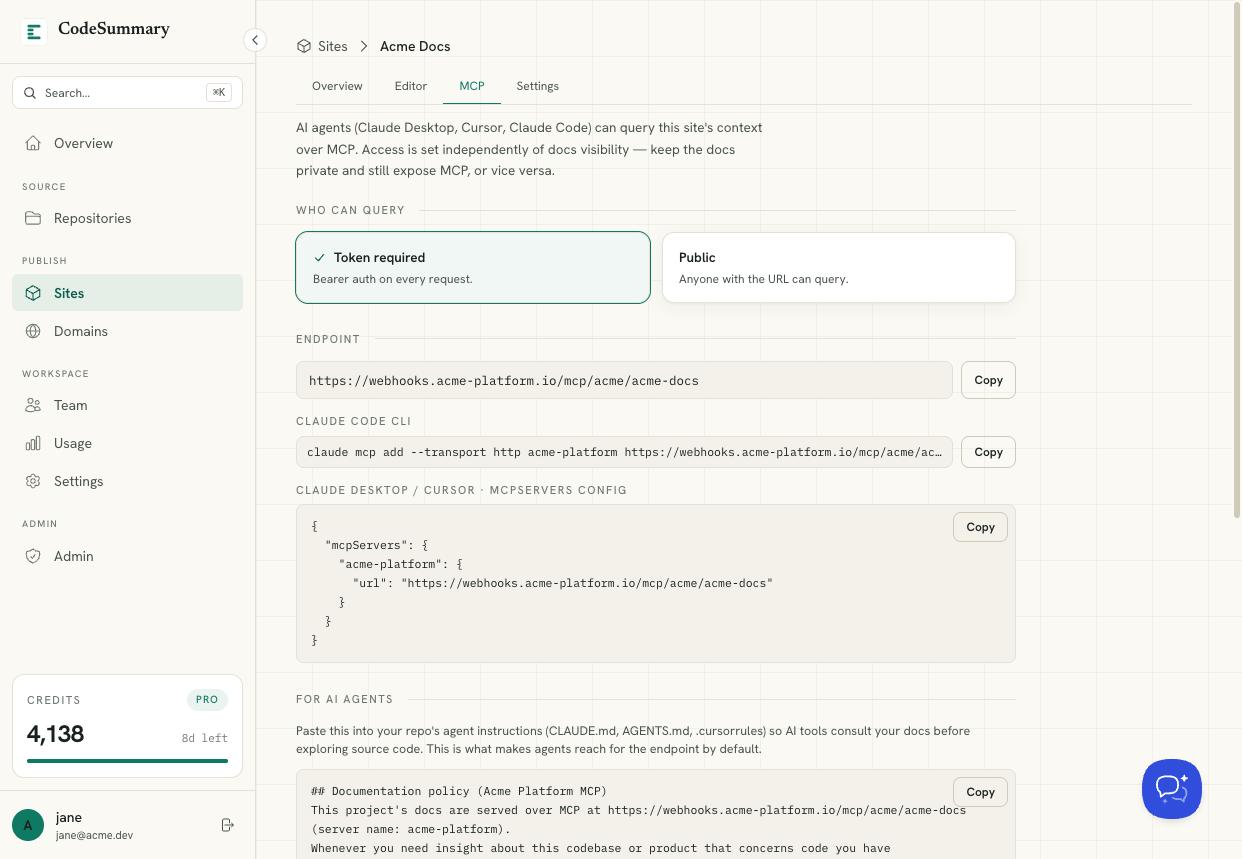
And because the same docs are also published as a live MCP endpoint, your agent doesn't just read a snapshot at session start, it can query the current docs on demand. The human path and the agent path stay the same, because they're generated from one source of truth.
The point of AGENTS.md is to stop your agent from guessing about your codebase. The point of automating it is to make sure the answer it gets is still right next month.
Start
Write an AGENTS.md by hand today, it's the single best hour you'll spend on agent quality. When maintaining it by hand gets old, publishing your first doc site is free, and generated, always-current context comes with it.